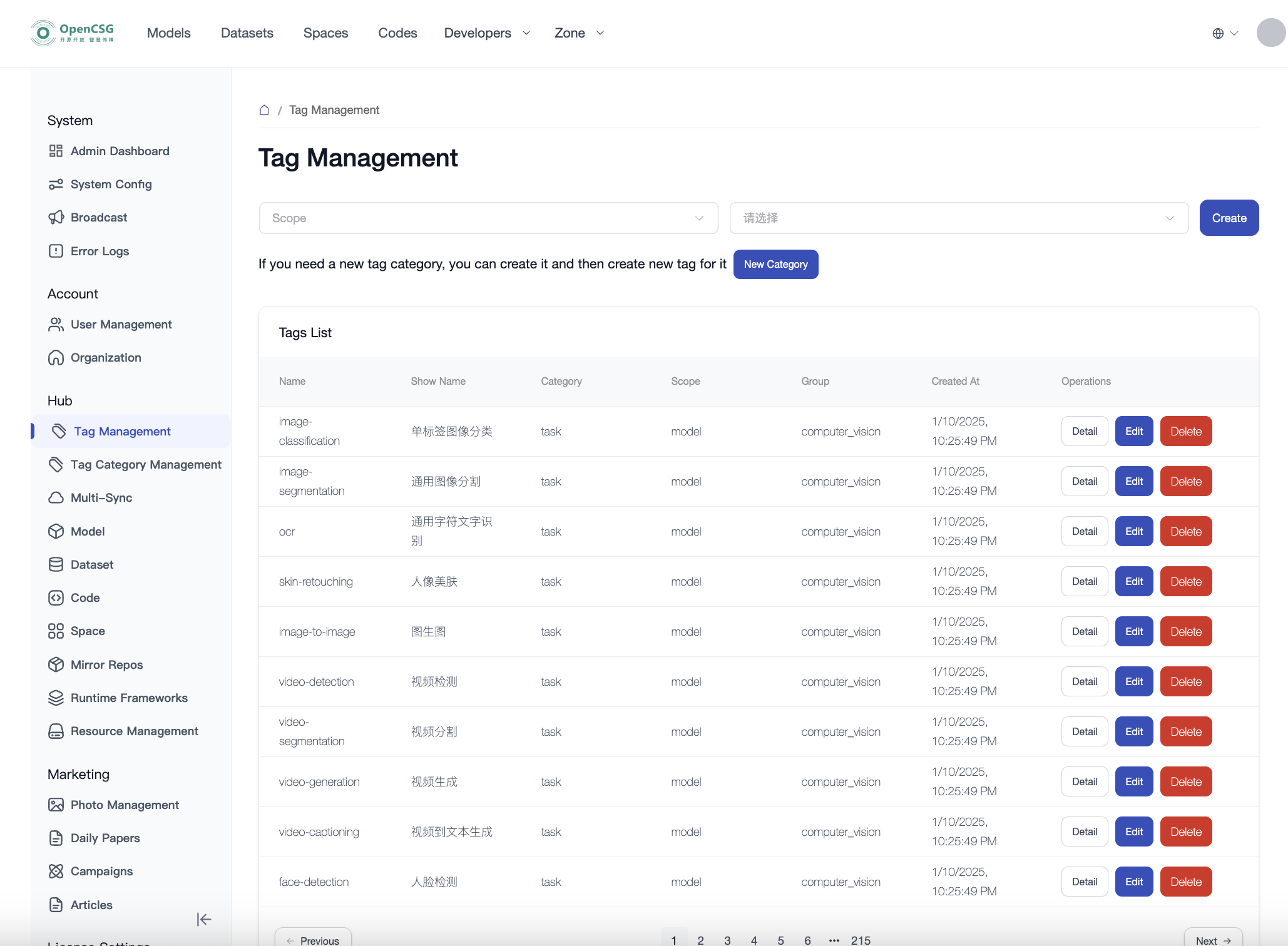
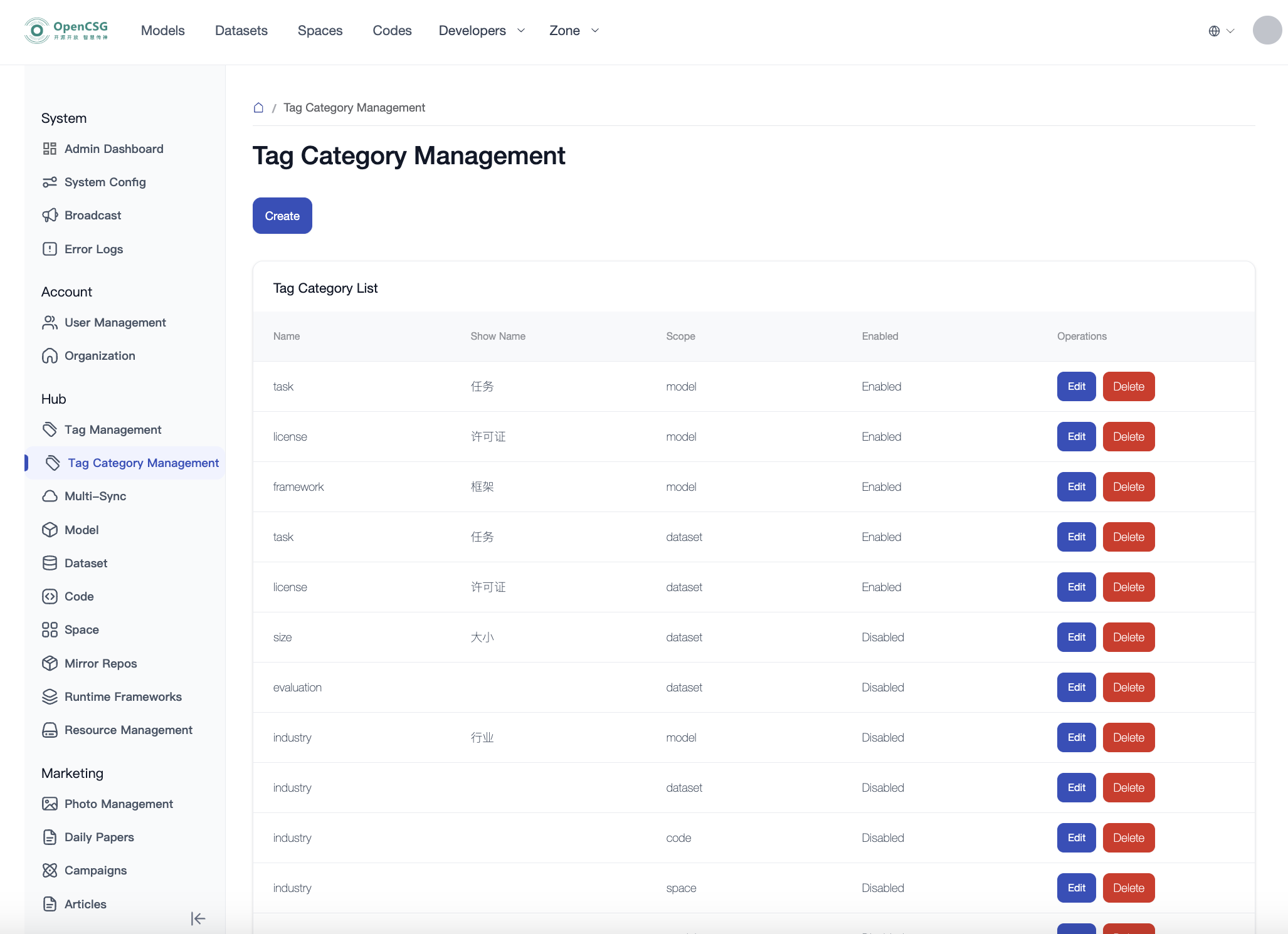
"Tags" are used to label and categorize resources, making it easier for users to quickly locate and manage them. "Tag Categories" are used to group tags.
Click "Tag Management" to enter the tag list page, which supports creating, editing, and deleting tags.
Click "Tag Category Management" to enter the tag category list page, which supports creating, editing, and deleting tag categories.
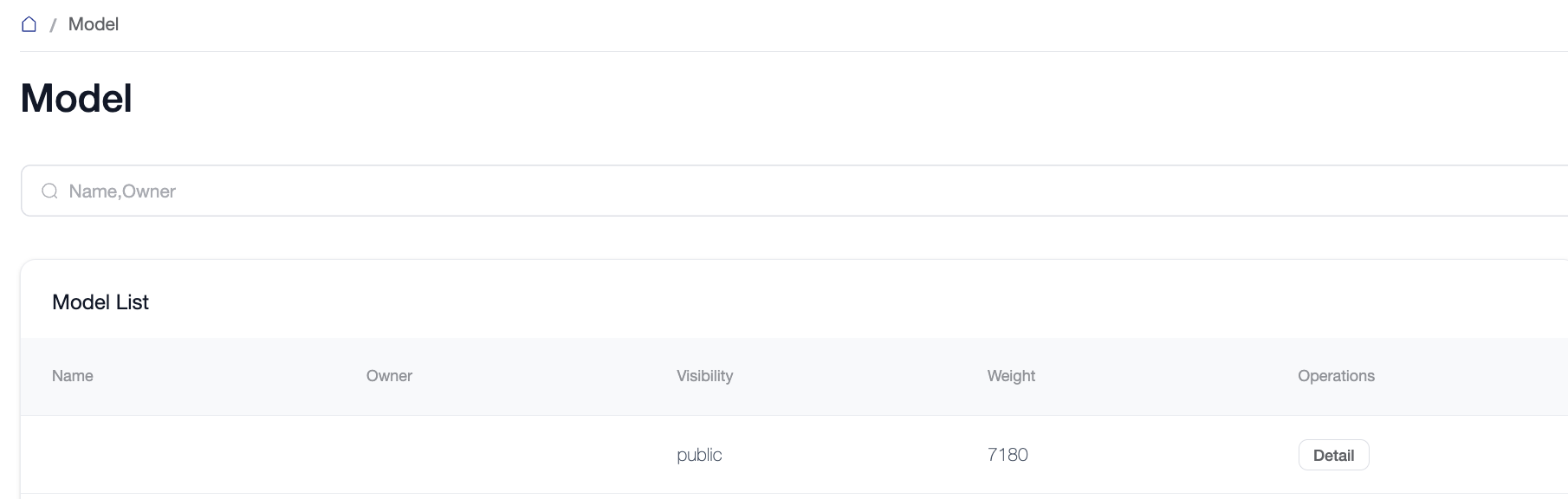
Manage all model repositories hosted on the platform. Supports multi-dimensional search/queries, modifying repository visibility (public/private), and repository deletion.
Triggering Public Inference: Administrators can trigger the creation of a Public Inference (Serverless API) service for a specific model directly from its detail page.
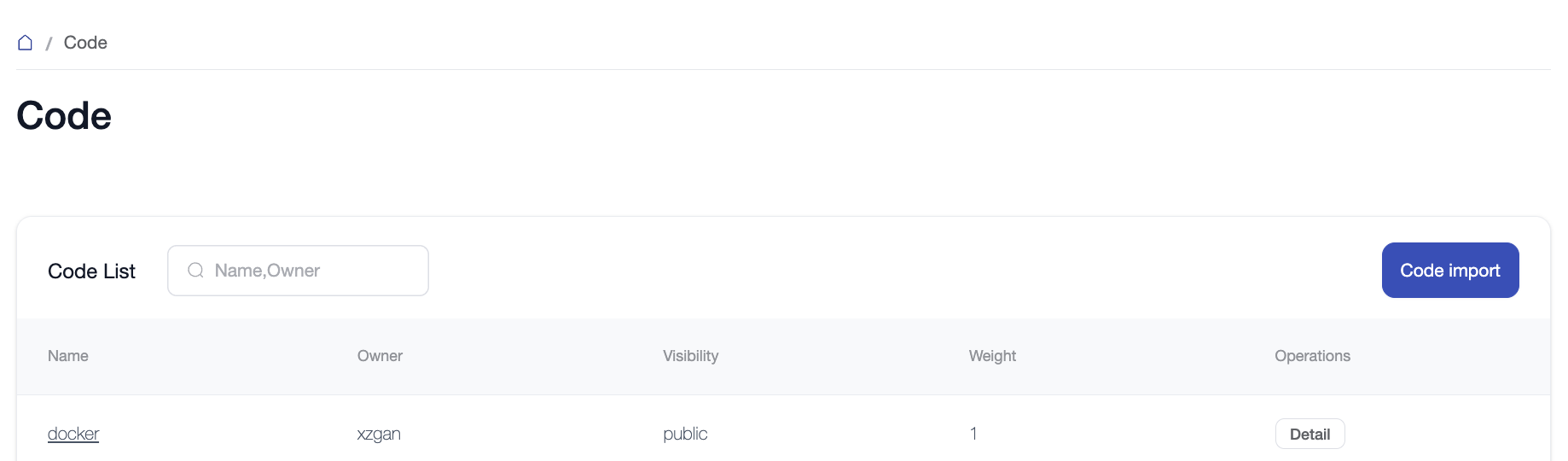
Manage the code repositories on the platform. Supports search, visibility modification, and deletion.
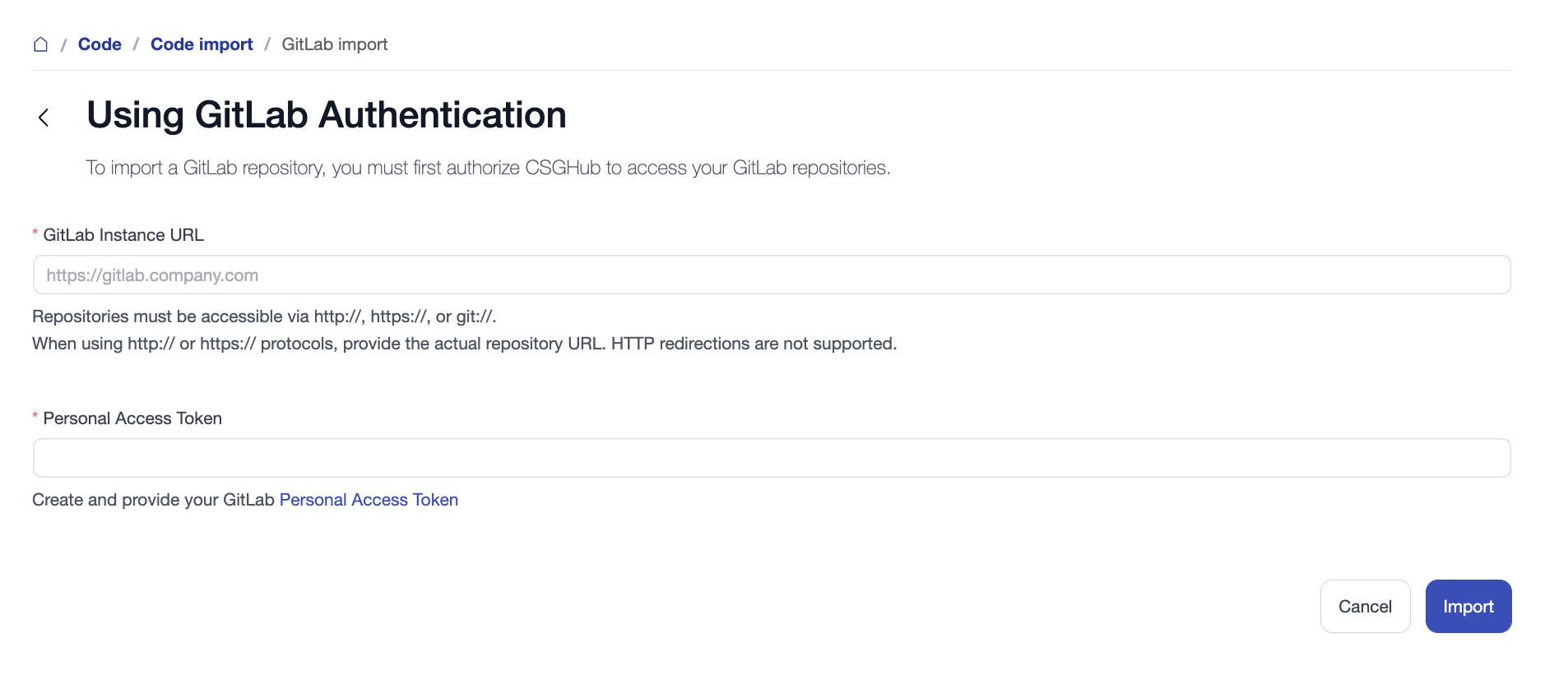
Click "Import Code", select a GitLab project, and after entering the instance URL and personal access token, the system will list all projects under the account, allowing you to choose and import the code.
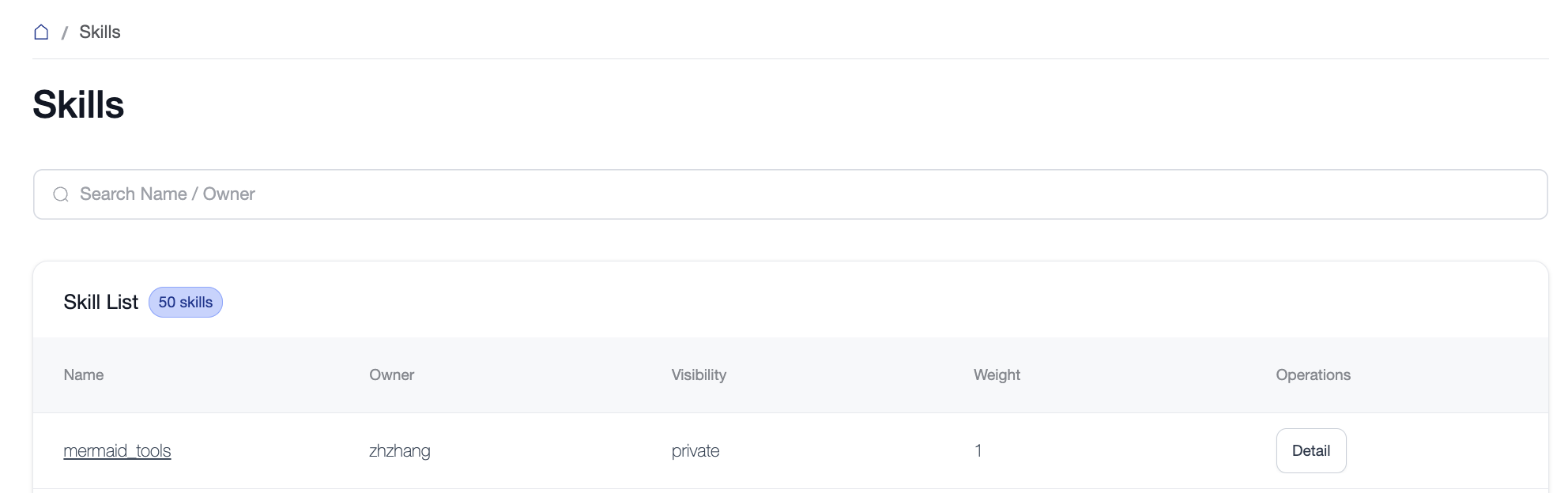
Manage Skills on the platform, supporting visibility editing and weight configuration. Skills are a mechanism for extending Agent capabilities, allowing Agents to perform specific tasks by registering and loading different skill modules.
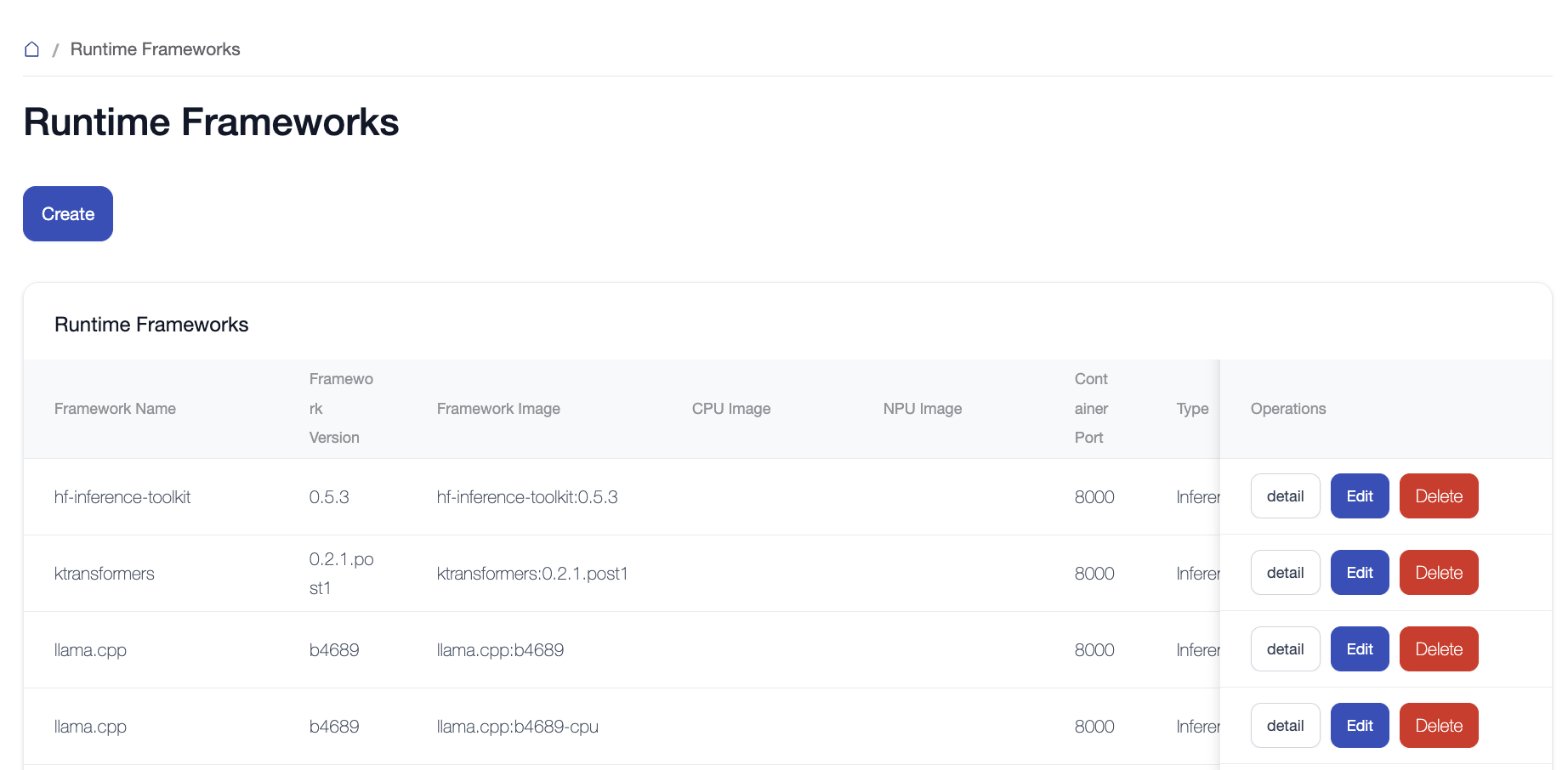
Manage inference frameworks on the platform. Supports creating, editing, and deleting frameworks.
Creating a framework requires the framework name, version, image, container port, etc. Create a separate framework entry for each minor version or compute type (GPU/CPU/NPU, etc.) of an engine. For the built-in engines' available versions, images, and driver requirements, see Inference Engines and Versions.
Once a framework is created and enabled, users can select it in the Runtime Framework and Framework Version dropdowns on the dedicated endpoint deployment page.