Account Management
1. Users
- Manage platform users, including user information management, permission allocation, and tag management.
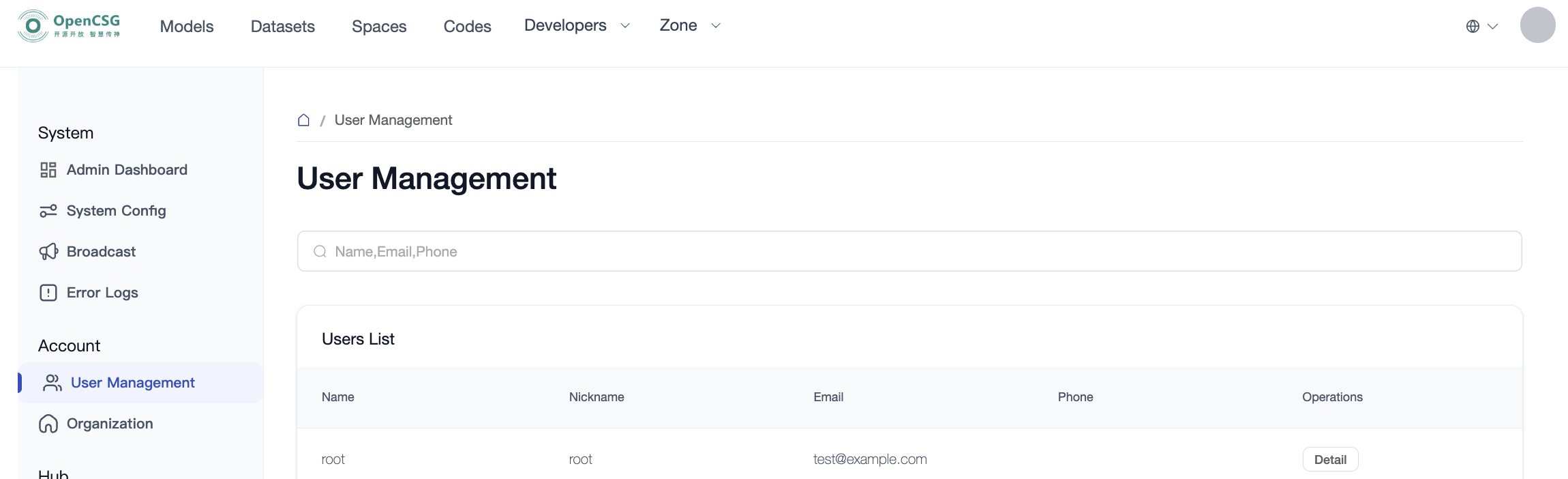
- Click the Details button to modify a user's role and user's tag.
2. Organizations 
-
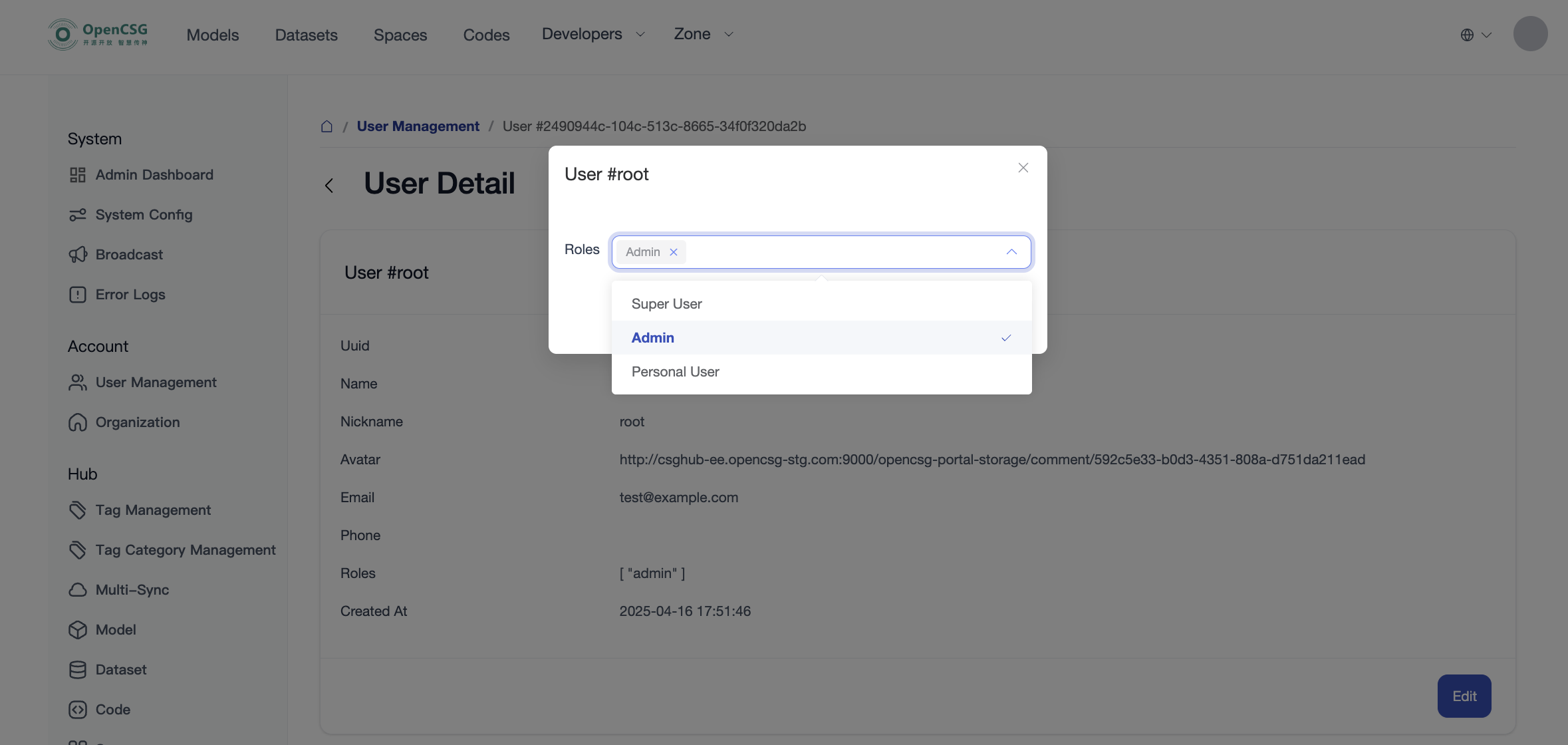
Single-level Organization Mode: Organizations are displayed in a flat list by default. Administrators can search and view all organization information across the platform and manage organization verification statuses.
-
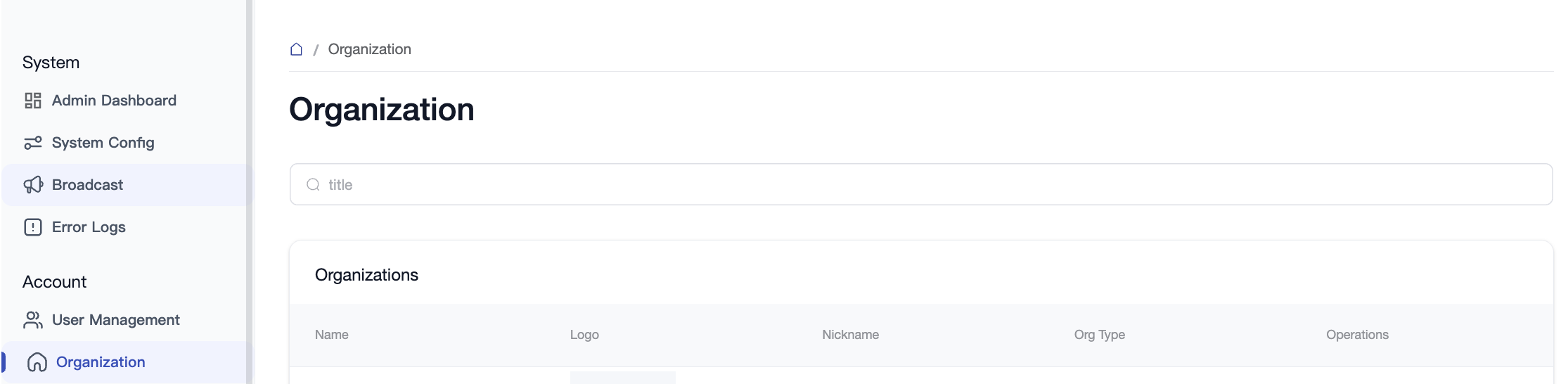
Multi-level Organization Hierarchy Mode: The platform supports both single-level and multi-level organization modes. Switching modes requires changing the deployment configuration. In multi-level mode, a hierarchical tree view is provided:
- Organization Structure Tree & Sub-departments: Visually manage enterprise department hierarchies in the left "ORGANIZATION STRUCTURE" tree. Click the "+" button at the top to create a root organization; click the "..." action menu on any organization node to select "Create sub-department" to build multi-level nested departments, or delete an organization unit.
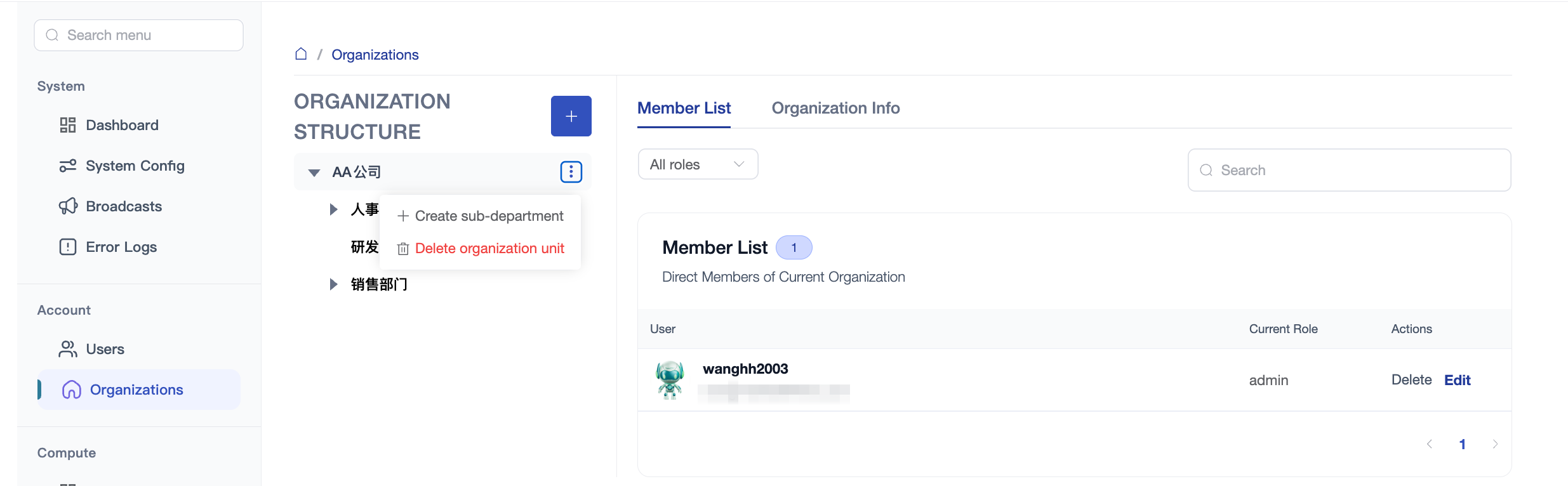
- Direct Members & Permission Management: Select any organization node in the tree to view its direct member list and organization details on the right. Filter and search members by role (e.g., Admin, Write, Read), edit roles, or remove members. Click the "Invite member" button next to an organization node to quickly invite new members to that department level. Child organizations automatically inherit authorizations and access policies from parent organizations.
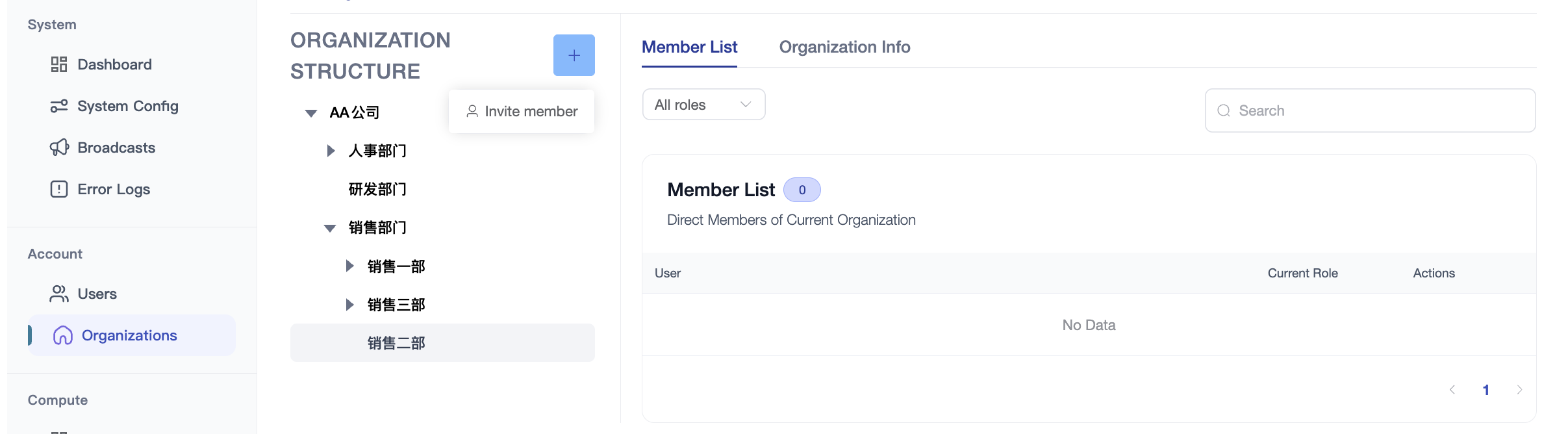
- Organization Structure Tree & Sub-departments: Visually manage enterprise department hierarchies in the left "ORGANIZATION STRUCTURE" tree. Click the "+" button at the top to create a root organization; click the "..." action menu on any organization node to select "Create sub-department" to build multi-level nested departments, or delete an organization unit.
3. Federation
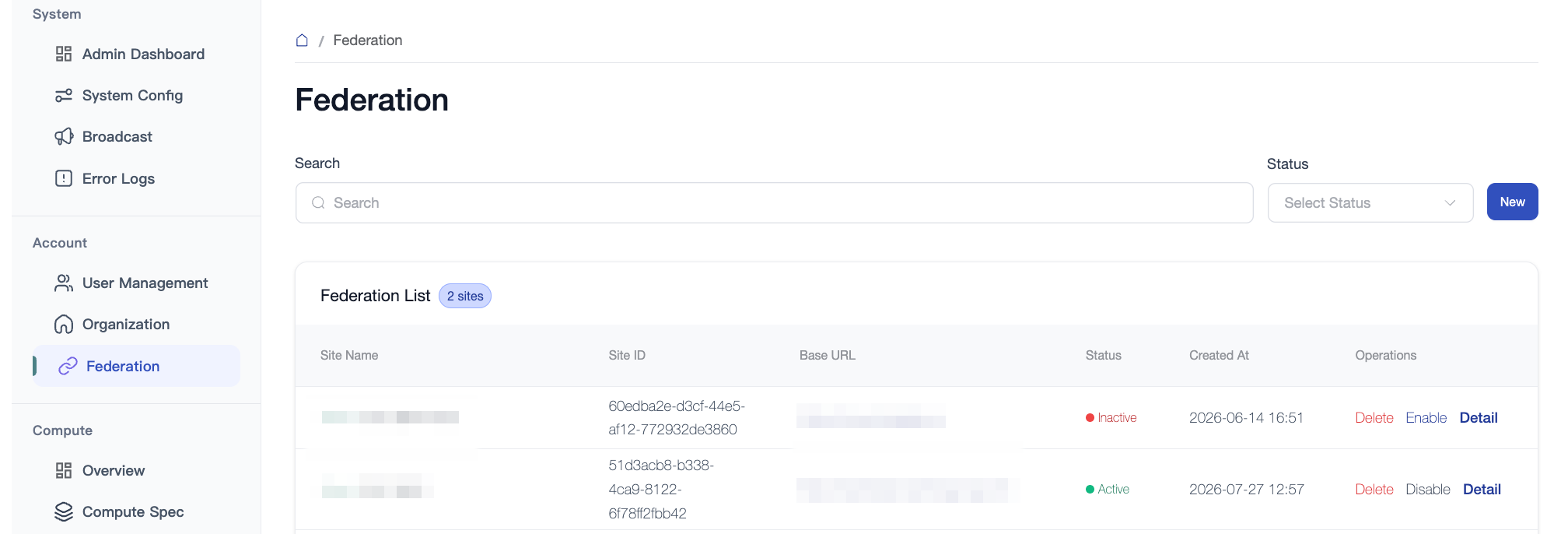
- Manage cross-community federation configurations, enabling single sign-on (SSO), mutual identity authentication, and cross-domain model/dataset asset sharing and synchronization policies across trusted third-party community instances.