Templates
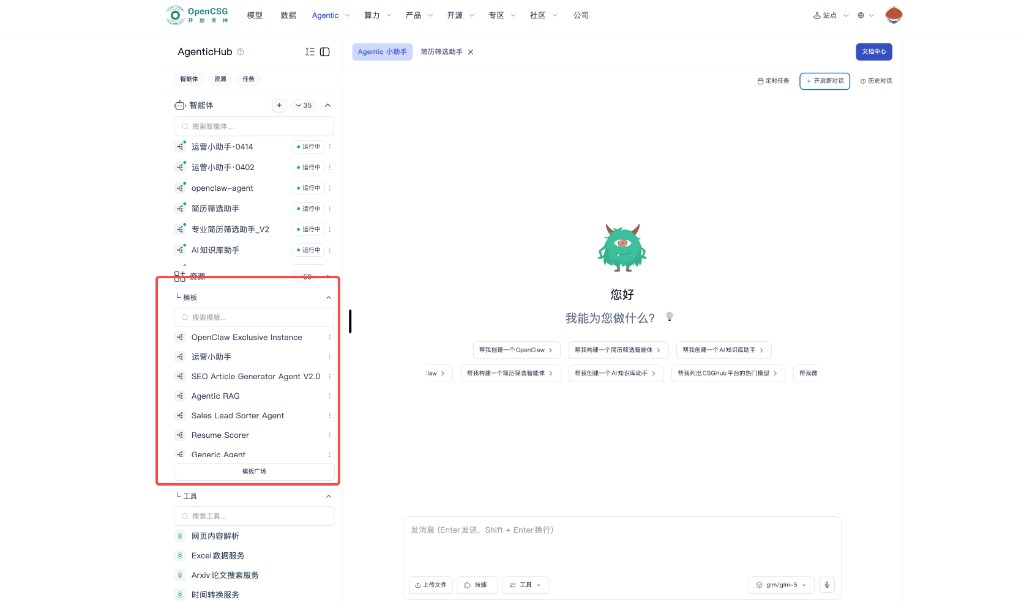
A template is the blueprint: role, recommended model, skills, tools, and orchestration or chat policy. One template can back many instances for different org units or job families without rewriting prompts from zero.
When templates help most
- The same class of work repeats, e.g. many recruiting lanes share first-pass logic; only the JD and thresholds differ.
- You want a proven design as a controlled asset for newcomers or partners.
Typical flow
- Browse categories or search name, scenario, and capability keywords; read description and required resources.
- Open template details and confirm model, knowledge base, tools, skills, and permission prerequisites.
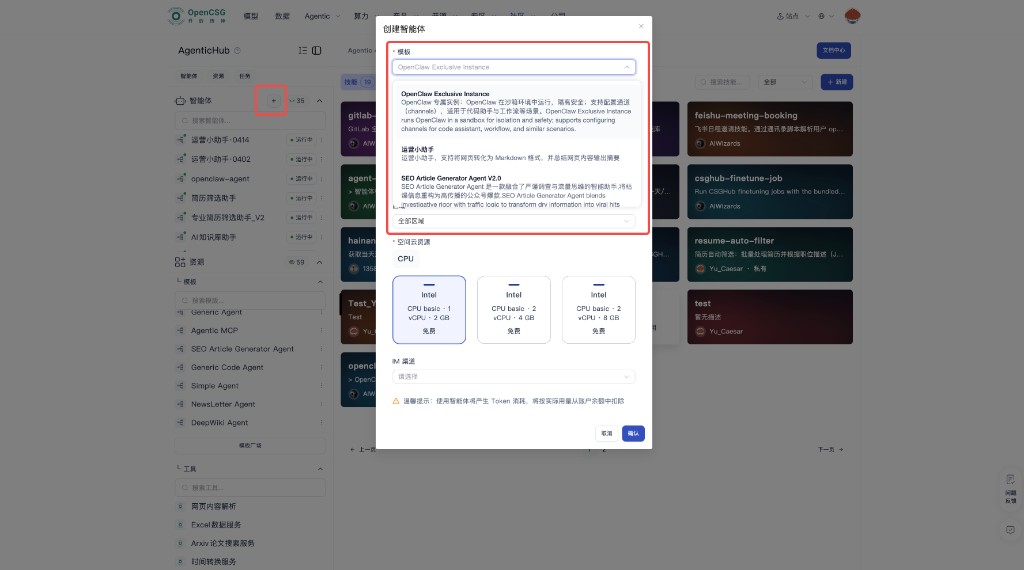
- Use Run (or equivalent) to create an instance: name, description, model, and optional knowledge, tools, MCP, skills, or prompts.
- For templates you can edit, Unpublish may appear on the card menu. Confirm nothing still depends on that template before unpublishing.
- Tuned agents can be published as community templates in Create Agent and the Resource Plaza; publishers can run their templates there directly.
Version and change
- After a template changes, existing instances may not auto-migrate; follow the product to upgrade, rebuild, or run old and new in parallel.
- For production templates, use review or canary before org-wide rollout.
After create: Instances.