Agentic assistant
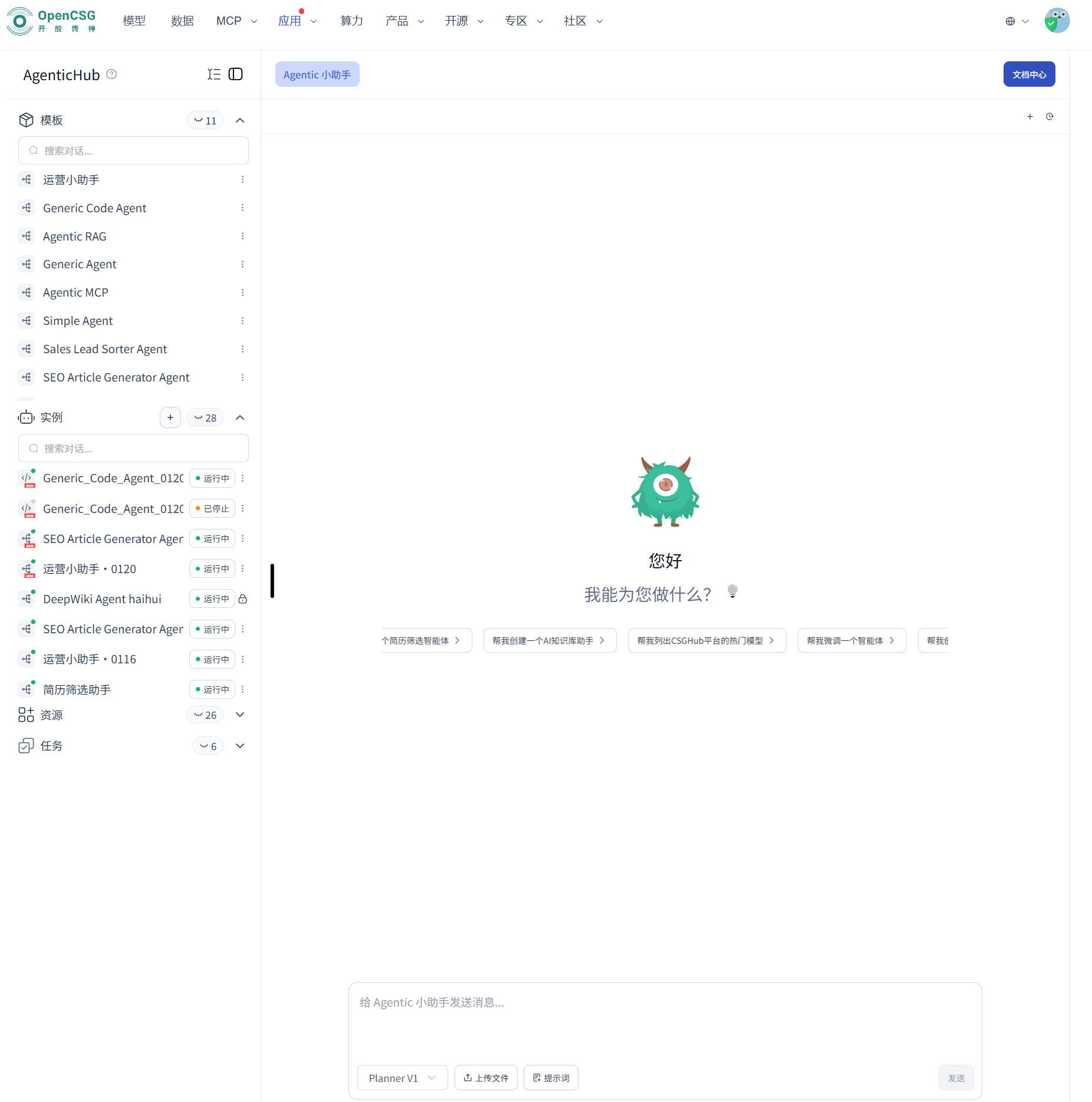
The Agentic assistant is for natural-language chat, calling external capabilities, handling attachments, and generating content. The main work area is the chat pane on the right. Besides creating or adjusting dedicated agents, it can handle Q&A, writing, search, and analysis.
Voice input: Models and context. Git-based skills: Git development.
Chat
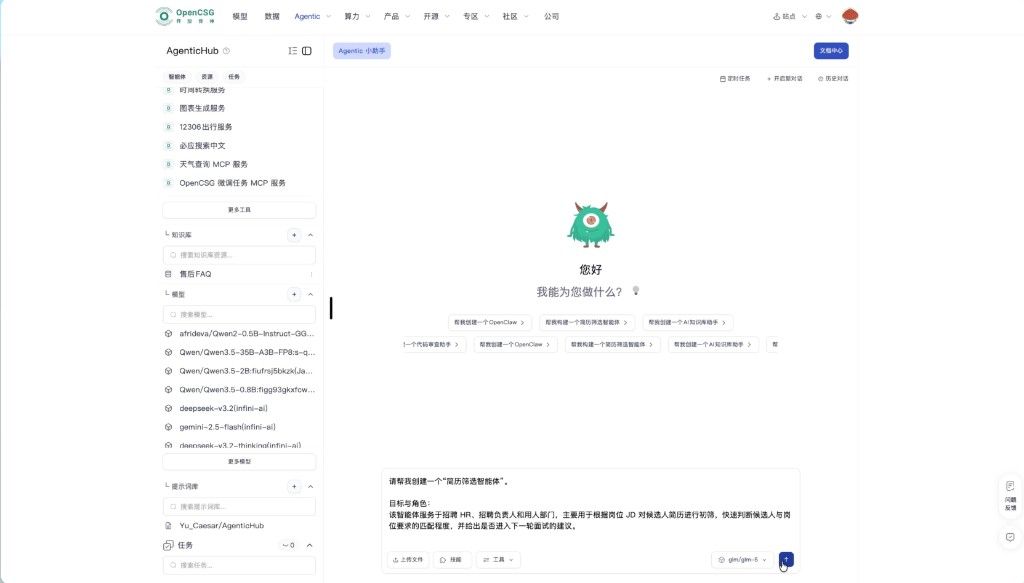
Path: Open AgenticHub → right-hand input → type → send.
- Select the assistant or instance on the left. Click New conversation for a clean context.
- State the goal, materials, expected format, and constraints.
- Send, then follow up or ask for a rewrite.
If the current model is unavailable, ChuanShen Assistant switches to an available model. If credits are insufficient, you see a clear prompt instead of silence.
Understand the need and recommend capabilities
On the welcome page, pick a shortcut such as Help me build an agent, or type the goal. Describe role, goal, materials, delivery format, and whether you need a knowledge base, tools, or an external system. Follow the reply into Templates, Instances, or Resources, then start a test chat.
Describe needs with prompts
Include goal and role, scenario, inputs/outputs, success criteria, hard constraints, and what to do when unsure. Prefer checklists over empty adjectives. Put proper nouns in the first message. Put long policies in resources and reference the file name.
Creation flow
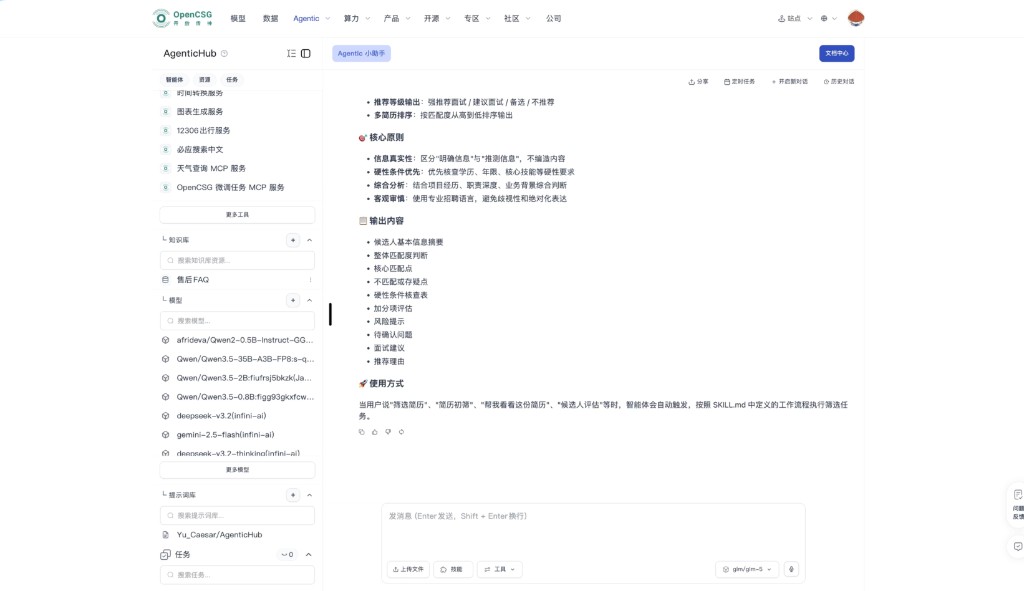
The assistant restates understanding, then asks for missing information. What you click to save in the UI is authoritative. After publish, you can start chatting immediately.
Typical phases: clarify → draft → apply (create instance, save template, bind resources) → self-check with one test input.
If the plan needs keys, use API auth. See Tools and files.
Iterating over multiple turns
Change one dimension per turn. Bring a concrete example when following up. Use New conversation when switching topics. Put stable conclusions in Memory or a knowledge base.
Examples and templates
Start from a close template, then describe only the deltas. When stable, save as your own template or publish as a community template. See Templates.