Tools and files
Call external capabilities, handle attachments, and generate documents in assistant or instance chat. Back to Agentic assistant.
Tool calls and orchestration
Path: Chat input → Tools → pick a tool or MCP → send.
- Confirm the instance already has the tool, MCP, or credentials bound.
- Open Tools and select the service.
- Provide parameters and the expected result, then inspect the call and return.
- On failure, check parameters, permissions, credentials, and resource status.
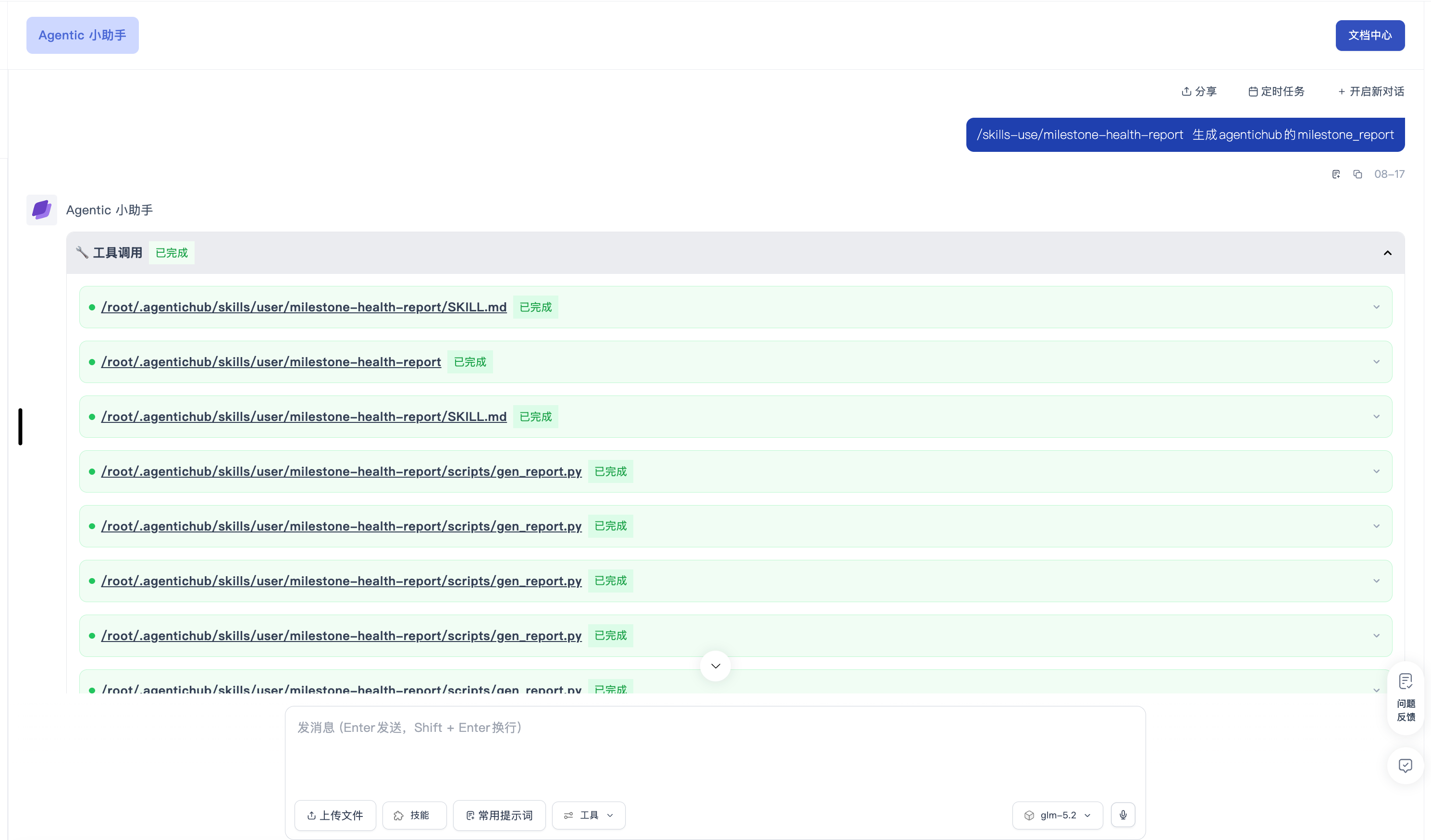
Skill shortcut
Path: Chat input → type / → pick a Skill → fill parameters → send. If missing, check whether it is bound and whether you have permission. See Use and invoke.
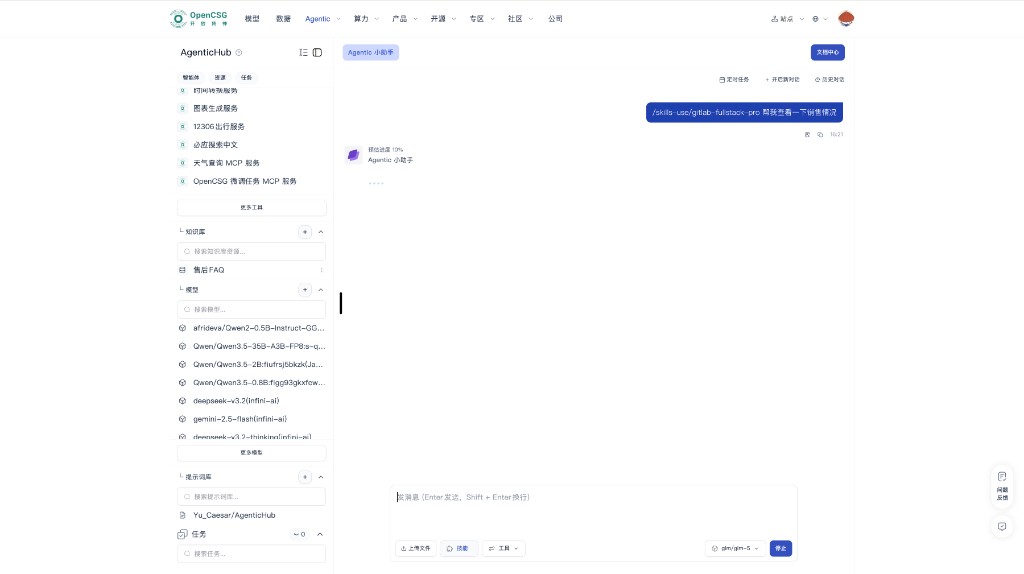
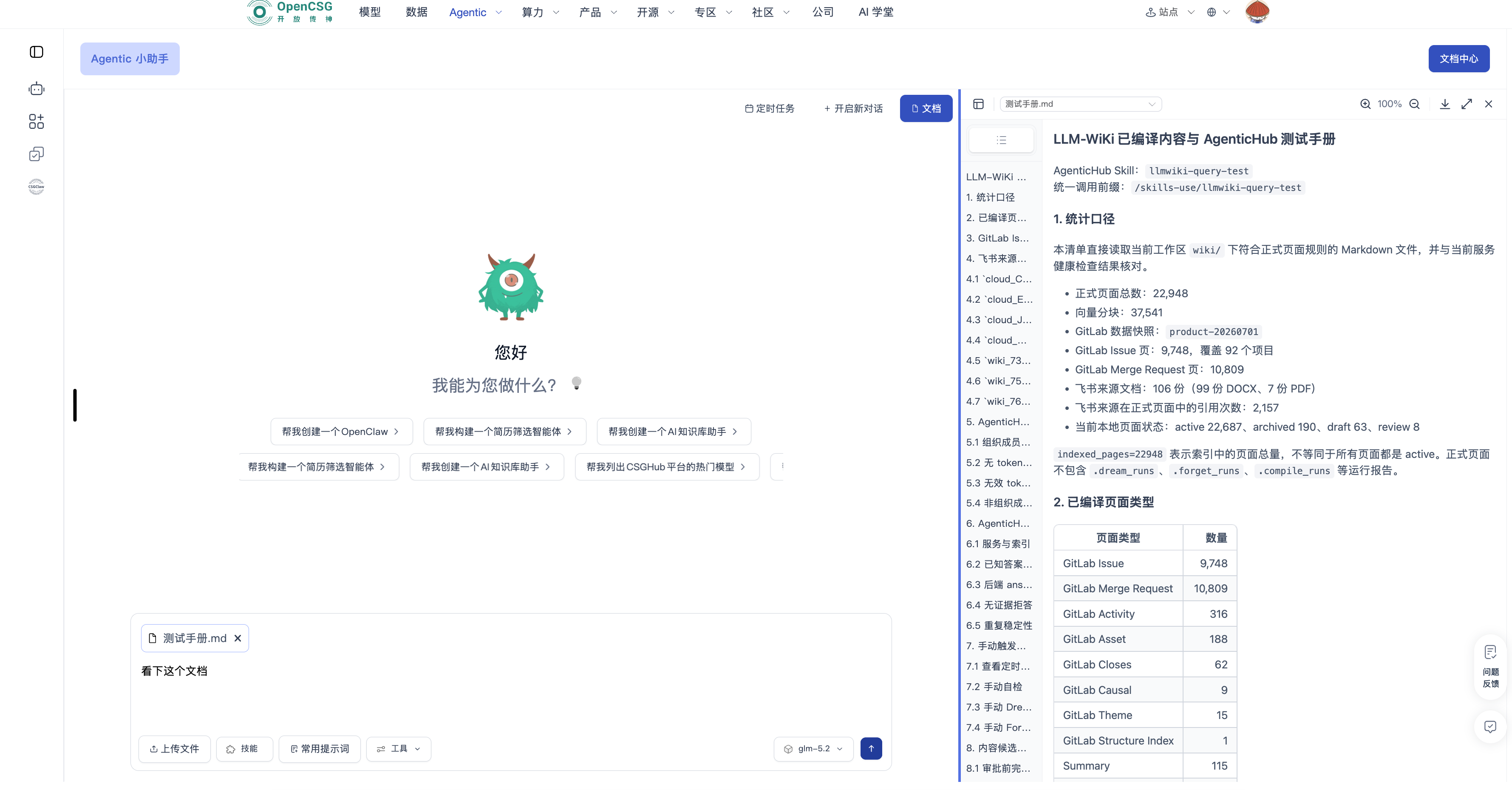
File upload and preview
Path: Chat input → upload → choose files → type the processing request → send. Click a file in chat to open the right-hand preview. Size and format: Files and upload.
Generate documents
State file type (DOC, Markdown, PDF, Excel), title, audience, and structure. For complex content, confirm an outline first. Review completeness, format, and sensitive information before download or share.
Voice input
Path: Microphone → record → stop → proofread names, amounts, dates → send. See Voice input for prompts.
Assistant scheduled tasks
Top of the session → Scheduled tasks → New → configure run-as and schedule → save. Full steps: Session scheduled tasks.
Personal prompt library
Left Resources → Prompt library → create or edit. Fill name, body, scenario, and visibility. Check references before delete. See Resource Center.
API authentication
Path: Chat input → Tools → API auth → create or edit → save. Fill tokens in controlled fields and run a small test. Do not expose secrets in chat, screenshots, or prompts. GitLab: GitLab token setup.