下载应用空间
如果您想获取CSGHub上的应用空间并下载至本地,当前我们支持通过Git和Web端下载应用空间。
使用Git下载应用空间
从当前仓库页面复制克隆地址。下例为占位示例,替换域名、命名空间及仓库名;SSH 端口按部署配置使用。
使用 HTTPS 下载;访问私有仓库时,使用本实例账号和 Access Token 完成认证:
git lfs install
git clone https://your-csghub.example.com/spaces/your-namespace/example-space.git
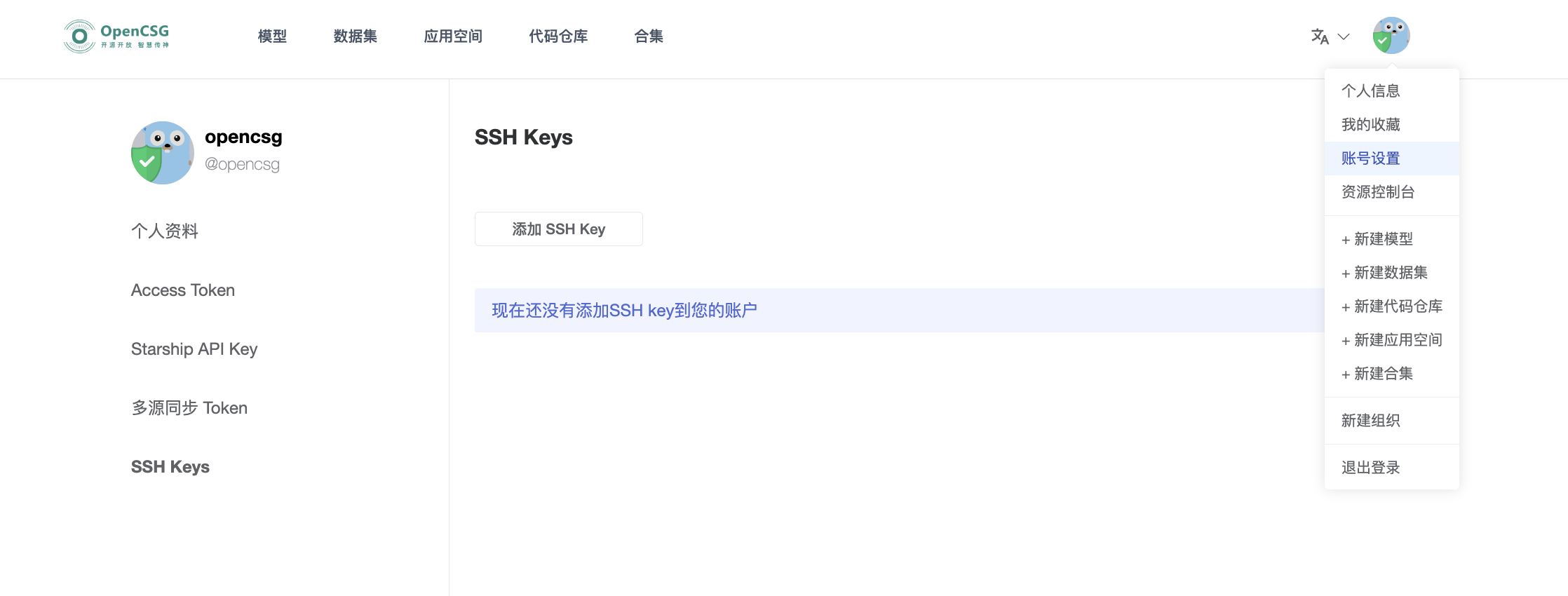
使用 SSH 下载;先在本实例“账号设置 → SSH Keys”添加公钥:
git lfs install
git clone ssh://git@your-csghub.example.com:2222/spaces/your-namespace/example-space.git
下载后检查实际文件内容。若仅得到 Git LFS 指针文件,在本地仓库目录执行 git lfs pull;失败时核对权限、网络和磁盘空间。
使用Web端下载数据
在仓库“文件”页找到目标文件,点击下载按钮。下载完成后检查文件名与内容;下载整个仓库可使用本页的 Git 方式。

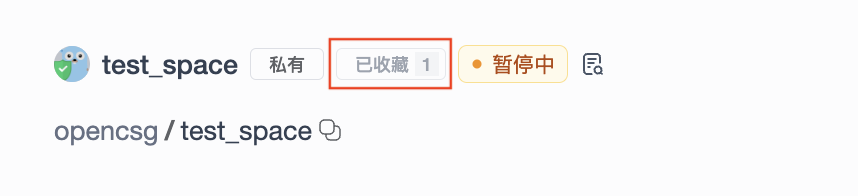
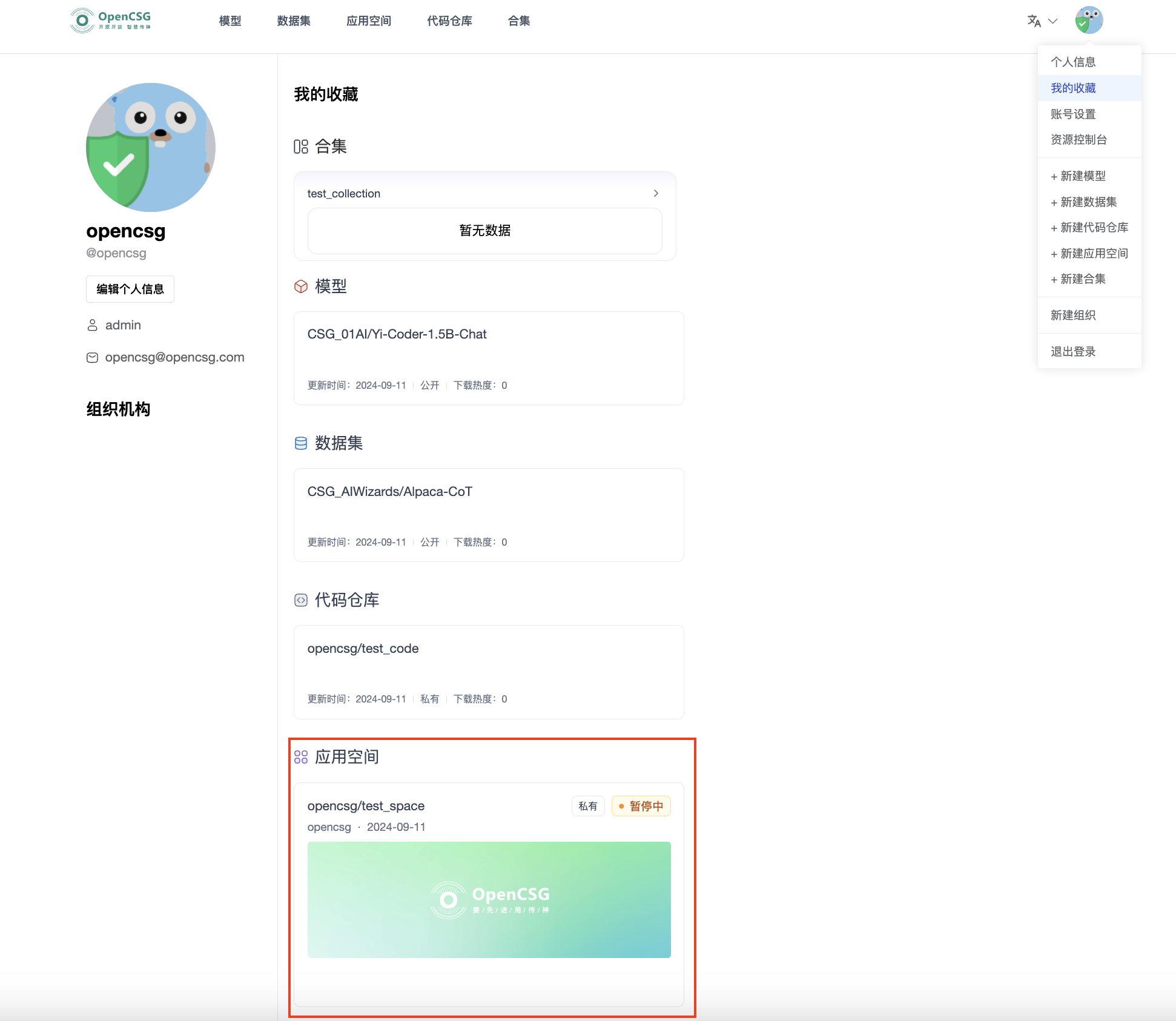
收藏应用空间
可对应用空间点击进行收藏,并在右上角“我的收藏”查看收藏的所有应用空间。
此处下载的是 Space 仓库中的文件,不是运行容器或其运行时数据的备份;运行数据需要按 空间设置 保存。