Image To Video
1. What Is an Image-to-Video Task?
Image-to-Video Generation is a task where large-scale models generate dynamic video content that matches a given image input and an optional textual prompt through model inference. This task combines cutting-edge technologies like computer vision and temporal modeling, enabling the model to not only understand the subject and environment in a static image but also apply reasonable physical motion laws, camera movements, and style continuity over the temporal dimension. It is widely used in animating old photos, creative animation production, and short video generation.
2. Typical Application Scenarios
- Creative Content Creation: Transform illustrations, original artworks, or photography into vivid animated videos to expand artistic expression.
- Advertising and Marketing: Quickly generate promotional videos with camera movements and special effects based on product images, lowering the barrier to video production.
- Film and Animation Production: Generate storyboard previews, interpolate intermediate frames, or add dynamic effects to static scenes to assist post-production.
- Entertainment and Social Media: Convert old photos or user-uploaded photos into dynamic videos for fun sharing.
- Virtual and Augmented Reality: Add dynamic effects to static assets in virtual environments to enhance scene immersion.
3. Key Factors Affecting Generation Quality
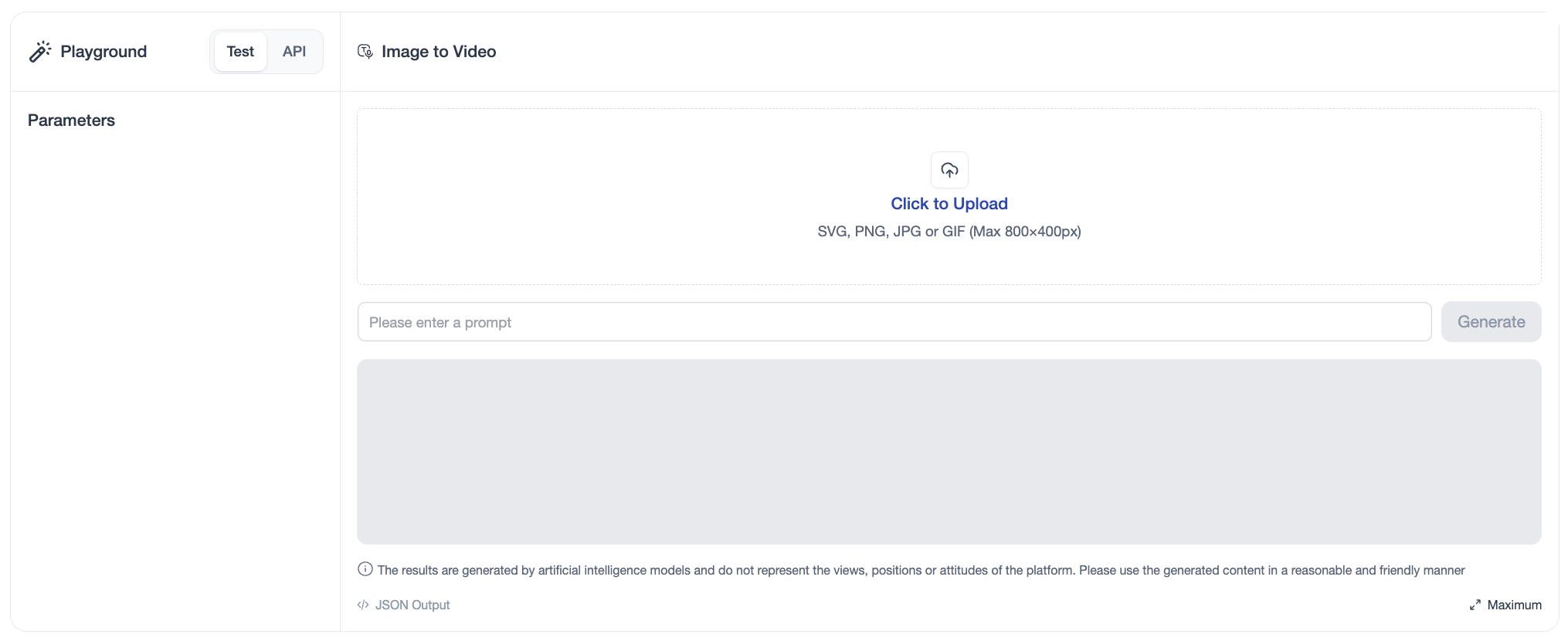
Image Quality and Features
The resolution, clarity, subject completeness, and background complexity of the input image will directly affect the initial frame quality and the coherence of subsequent frames in the generated video.
Model Selection
Different image-to-video models vary in their handling of motion amplitude, understanding of physical laws, temporal consistency, and style retention. Some models excel at subtle dynamic effects (such as flowing water or clouds), while others can handle large-scale camera movements or subject deformation. The appropriate model should be selected based on specific needs.
Prompt Assistance
Combining textual prompts allows for more precise control over the image's motion mode, camera trajectory, and expected effects, such as "camera pushing in" or "ripples on the water surface."
4. Code Example
import requests
url = "https://xxxx.space.opencsg.com/v1/tasks/video/form"
headers = {
    'Content-Type': 'multipart/form-data'
}
files = {
    "image_file": open("your_image.png", "rb")
}
data = {
    "prompt": "your prompt",
    "negative_prompt": "",
    "parameters": {}
}

response = requests.post(url, files=files, data=data, headers=headers)
response.raise_for_status()