Image to Image
1. What is Image-to-Image Generation Task?
Image-to-Image Generation is a task where large models infer and generate new images based on an initial input image (Initial Image) and an optional text prompt (Prompt). This task combines computer vision with deep learning generation technologies and is widely applied in style transfer, line art colorization, image inpainting, portrait enhancement, and other scenarios.
2. Typical Use Cases
- Style Transfer: Convert photos into specific artistic styles (such as oil painting, watercolor, anime, 3D cartoon, etc.).
- Line Art Colorization: Generate colored images with realistic lighting and shading based on hand-drawn black-and-white line drawings or outlines.
- Image Inpainting and Local Editing: Modify or replace specific areas in an image, such as changing clothing colors, adding or removing objects.
- Image Super-Resolution and Denoising: Improve image quality and detail clarity while preserving the structure and key features of the original image.
- Creative Design Assistance: Rapidly generate detailed product design diagrams or scene concept maps based on hand-drawn sketches or simple layouts.
3. Key Factors Impacting Generation Quality
Model Selection
Different models vary in artistic style, composition retention, and detail control. The choice of model should be determined based on specific business scenarios (such as realistic, anime, industrial design).
Parameter Adjustments
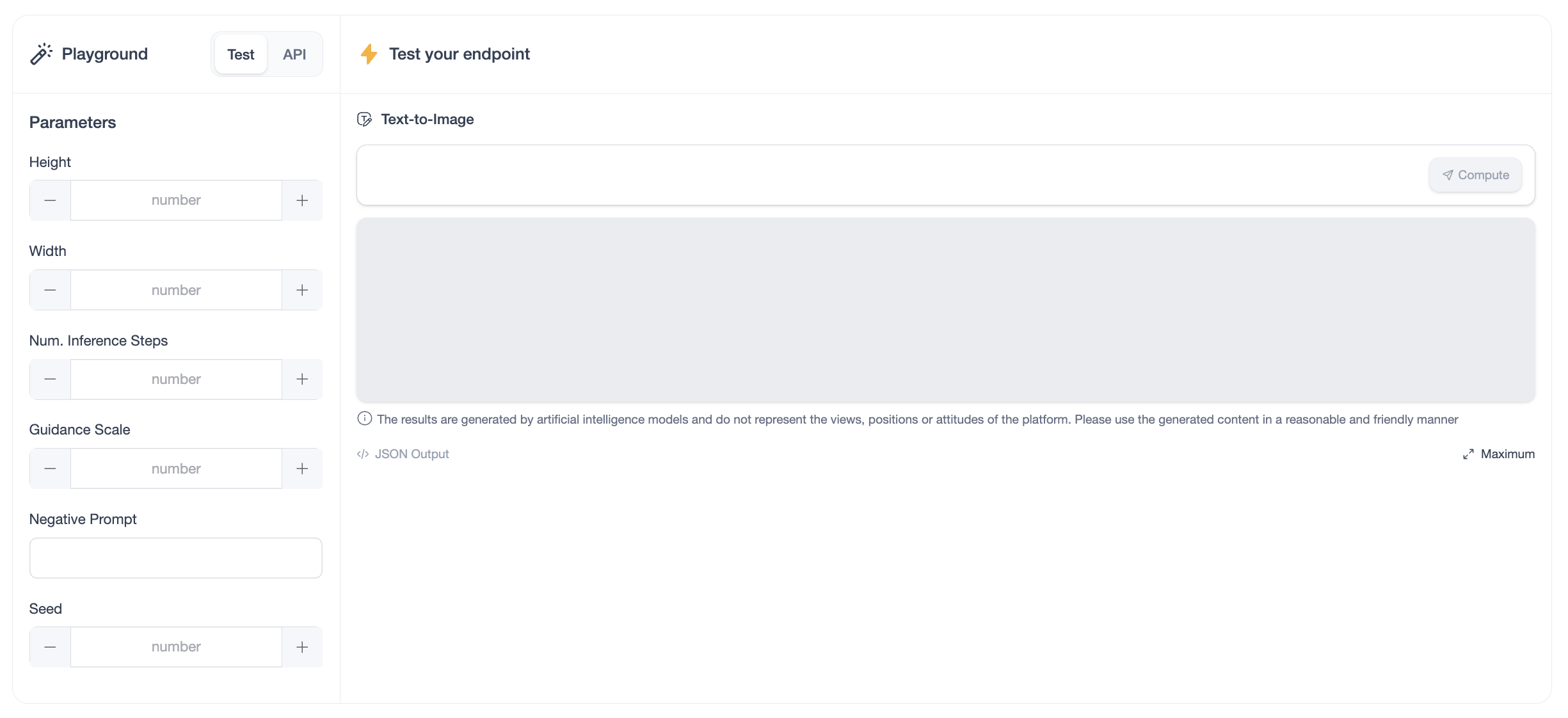
Below are the key parameters affecting image-to-image generation quality:
Strength
- Controls the degree of deviation of the generated image from the initial image (Initial Image), with values typically ranging from
0.0to1.0.- Low Strength (e.g.,
0.2): The generated image is closer to the original. The model only performs minor detail adjustments or subtle styling, suitable for denoising or image quality enhancement. - High Strength (e.g.,
0.8): The generated image deviates significantly from the original. The model exhibits higher creativity, keeping only the general composition and color scheme, suitable for creative re-generation or transforming sketches into realistic photos.
- Low Strength (e.g.,
- Use Cases: Increase strength for style transfer tasks, and lower strength for line art colorization or product refinement to retain the original lines.
Prompt and Negative Prompt
- Prompt: Text description of visual elements and styles to add, change, or emphasize on top of the initial image.
- Negative Prompt: Used to restrict the model from generating undesired elements, such as excluding "extra fingers," "blur," or "distortion" in portrait inpainting.
- Use Cases: Use detailed prompts to precisely direct the model's generation direction.
Number of Inference Steps
- Determines the number of iterative optimizations the model performs when generating an image. A higher number of steps typically improves image quality but also increases generation time.
- Use Cases: Use higher steps for high-quality images and lower steps for rapid prototyping.
Guidance Scale
- Controls how closely the model's generated output aligns with the input text prompt.
- Higher guidance scales produce results that are more accurate to the text description but might lead to over-saturation or reduced naturalness.
- Lower guidance scales offer greater creativity but may deviate from the expected description.
- Use Cases: Use a higher guidance scale for precise scenes and lower for generating more divergent creative content.
Seed
- Controls randomness during the generation process. Setting the same seed ensures consistent output for identical prompts and initial images, whereas different seeds produce diverse results.
- Use Cases: Fix the random seed when reproducing a specific image during parameter tuning or vary the seed for generating diverse images.
4. Sample Code
import requests
import json

url = "https://xxxxxxxxxxxx.space.opencsg-stg.com"  # endpoint url
headers = {
    'Content-Type': 'application/json'
}
data = {
    "image": "your_base64_encoded_initial_image",
    "prompt": "your prompt describing desired modifications",
    "parameters": {
        "strength": 0.75,
        "num_inference_steps": 20,
        "guidance_scale": 7.5,
        "negative_prompt": "blurry, low quality"
    }
}
response = requests.post(url=url, json=data, headers=headers)
response.raise_for_status()