Fine-Tuning Instance Configuration and Management
To adjust the underlying support environment or conclude resource occupation, you can execute necessary low-level administration of running or paused instances by accessing the dedicated Settings page.
Accessing the Settings Page
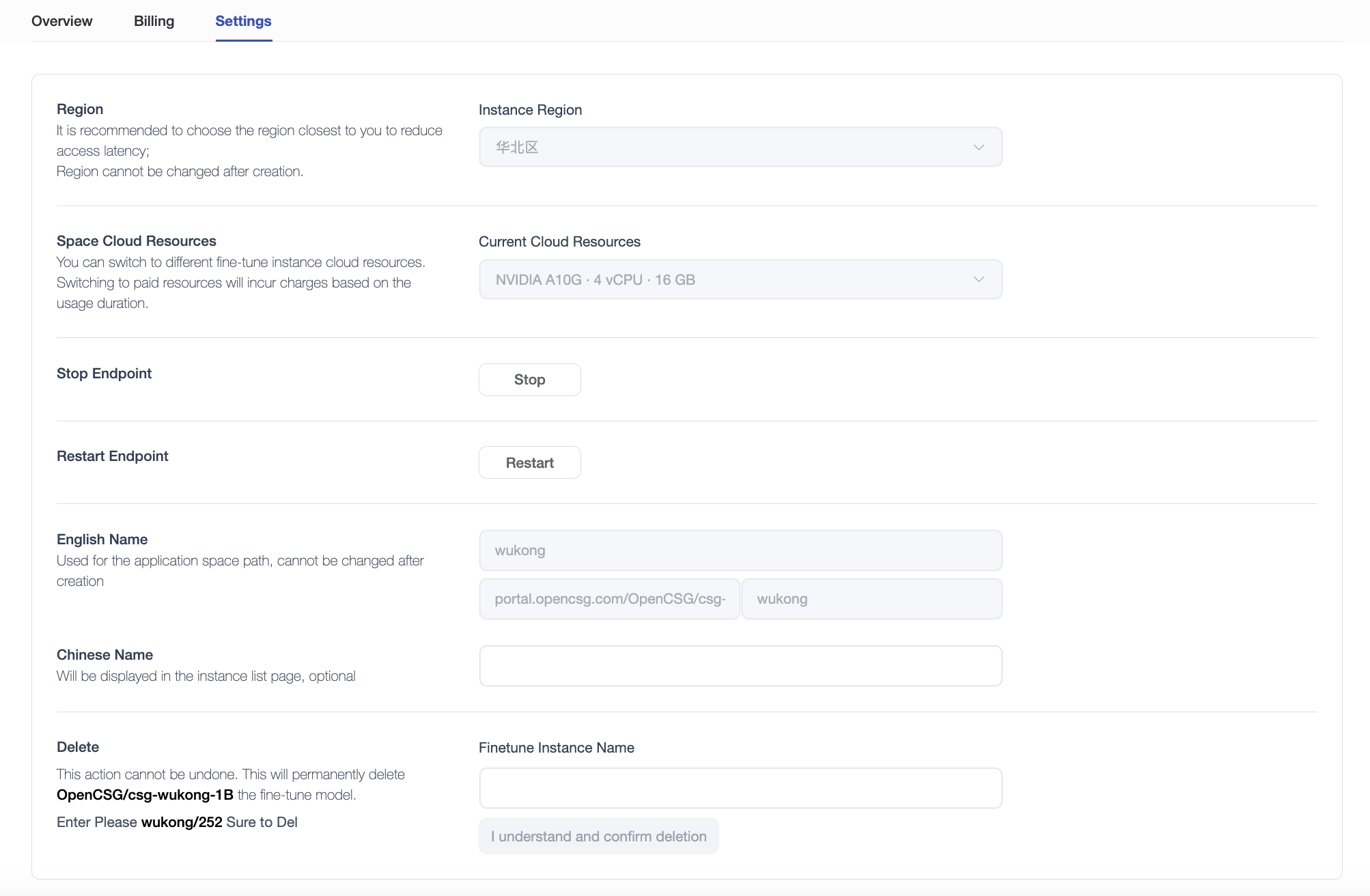
Open the respective fine-tuning instance page and click the [Settings] tab at the top corner to enter the management panel.
Adjusting Instance Resources
Supports re-planning and upgrading of the volume of computing resources assigned block.
Note: Prior to the enactment of config modification, your instance must be locked into a "Paused" state. Reactivate processing from a stand-still upon completion of allocating subsequent saved assets. The subsequently resourced high-tier specs will instigate modified billing mechanism updates.
Deleting Instances
To prevent the accrual of fees from idle occupation, you can enforce a permanent cleanup iteration upon the instance resources.
Select the "Delete" action localized at the extreme bottom of the interface:
Warning: Operation actions successfully followed through cannot be reversed. This ensures the permanent discarding of container runtime processes spanning datasets, custom script configurations, and localized progress tracks completely. Confirm to enact the final deletion strategy manually complying with the secondary page name requirement prompt.
Before stopping, resizing or deleting, see instance data and usage. Verify exported outputs before deletion; pausing preserves instance data and deletion removes it.
Pausing preserves instance data. Deleting the instance removes that data; export required outputs to your computer or another repository and verify them first.