Access Token
Access Tokens authenticate Git HTTPS, platform API and SDK operations. The inference gateway uses API Keys, while Git SSH uses SSH keys; these credentials are not interchangeable.
Open Account settings → Access Token on your CSGHub deployment. Do not obtain a private deployment credential from the public community.
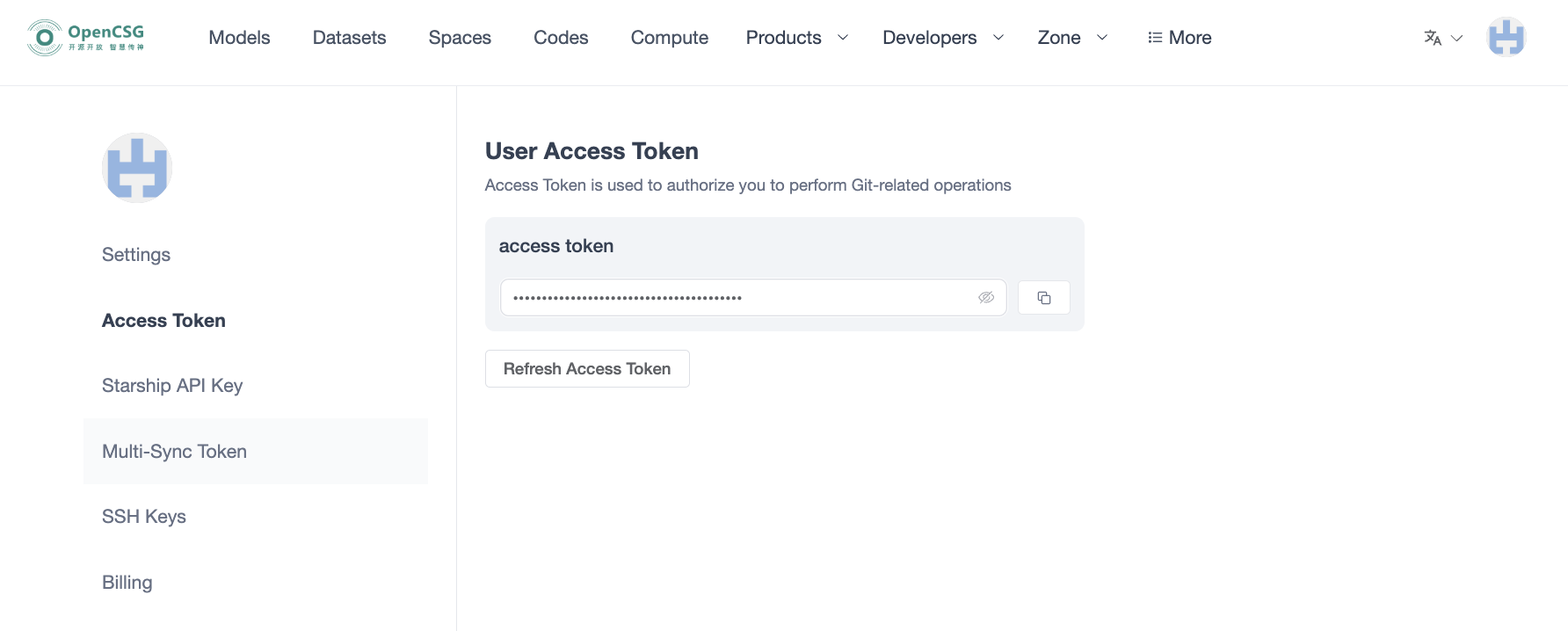
Only one Access Token is valid at a time. Refresh a leaked Token and update affected clients. Set CSGHUB_TOKEN in your runtime or secret manager, rather than putting the value in source code or Git URLs.
Git HTTPS
Copy the clone URL from the target repository. When Git requests credentials, use the account username and the Access Token as password. Replace the sample namespace and repository before running:
git lfs install
git clone https://your-csghub.example.com/datasets/your-namespace/example-dataset.git
Platform API and SDK
Obtain the platform API base URL for this deployment. It may differ from the Web URL and is not the inference gateway URL. The following CSGHUB_ENDPOINT variable is passed explicitly to clients. Configure CSGHUB_TOKEN before running, and replace the username and repository ID.
export CSGHUB_ENDPOINT="https://your-csghub.example.com"
export CSGHUB_USERNAME="your-username"
# Set CSGHUB_TOKEN in the runtime before executing
curl --fail-with-body "$CSGHUB_ENDPOINT/api/v1/user/$CSGHUB_USERNAME/run/mode" \
  --header "Authorization: Bearer $CSGHUB_TOKEN"
import os
from pycsghub.snapshot_download import snapshot_download

result = snapshot_download(
    "your-namespace/example-model",
    repo_type="model",
    endpoint=os.environ["CSGHUB_ENDPOINT"],
    token=os.environ["CSGHUB_TOKEN"],
    cache_dir="./csghub-cache",
)
print(result)
Check the returned directory and files. See model download and dataset download.