Downloading Codes
If you want to get and download the codes on the CSGHub, we currently support downloading codes via Git or web interface.
Downloading Codes Using Git
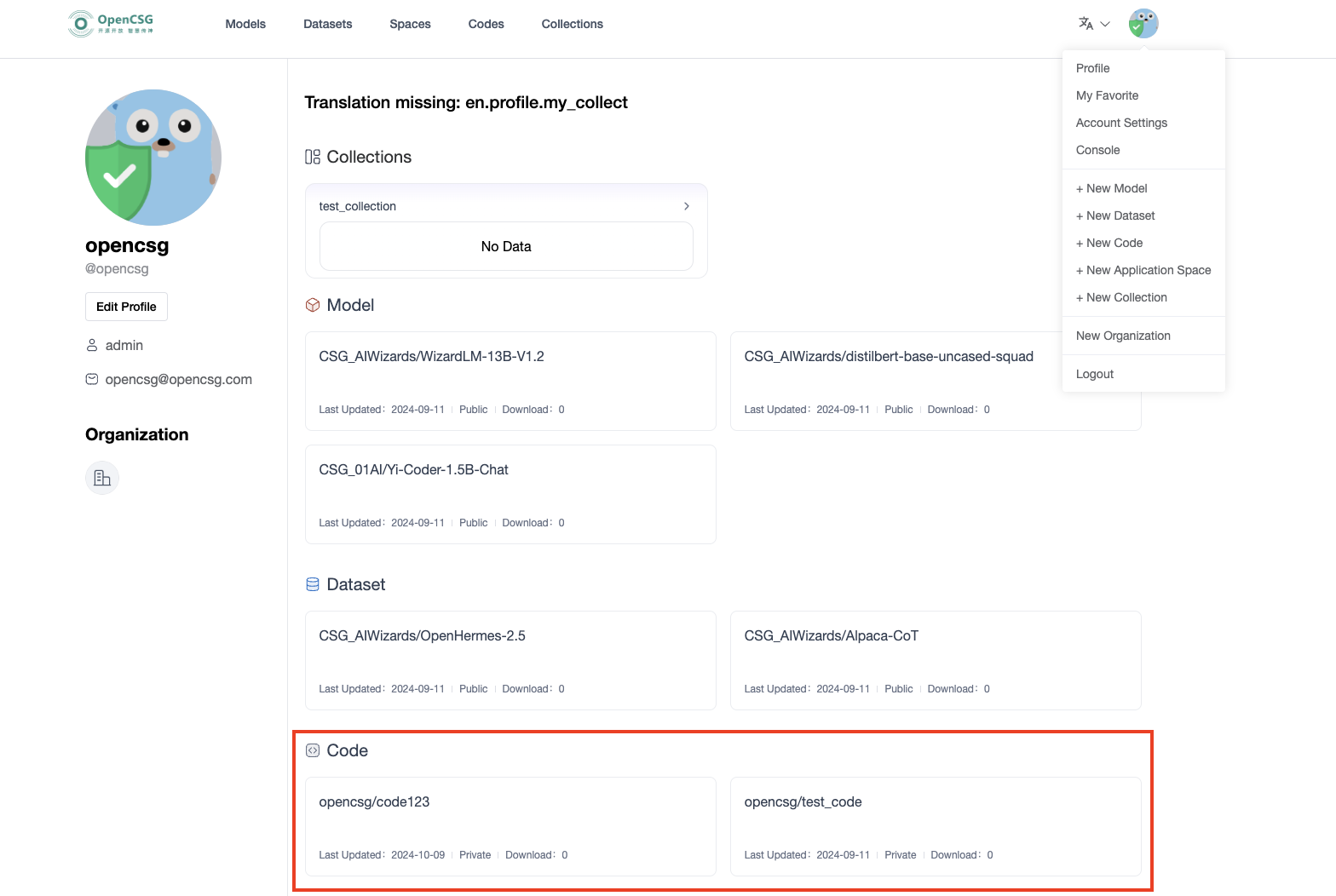
Copy the clone URL from the current repository. Replace the sample host, namespace and repository; use the SSH port configured for your deployment.
Use HTTPS. For private repositories, authenticate with the deployment's account and Access Token:
git lfs install
git clone https://your-csghub.example.com/codes/your-namespace/example-code.git
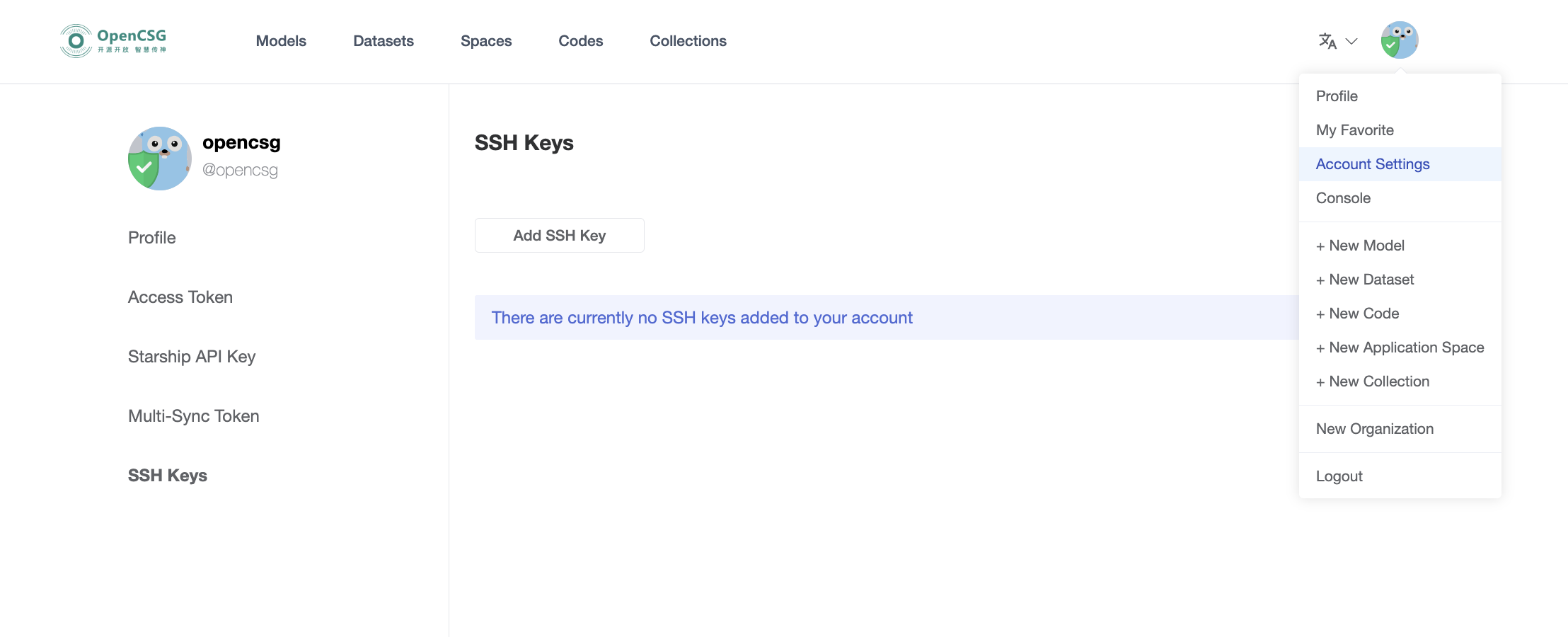
Use SSH after adding your public key under Account settings → SSH Keys on the same deployment:
git lfs install
git clone ssh://git@your-csghub.example.com:2222/codes/your-namespace/example-code.git
Inspect downloaded content. If only Git LFS pointers are present, run git lfs pull inside the local repository and check permissions, network and disk space if it fails.
Downloading Files Using Web Interface
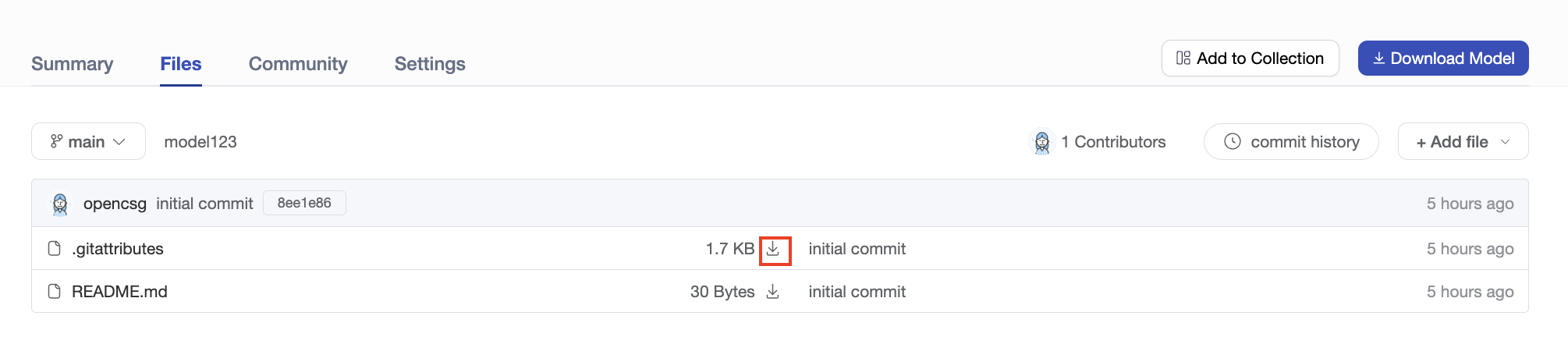
In the repository's Files tab, locate the target file and select its download button. Check the downloaded name and content. To retrieve the entire repository, use the Git workflow on this page.
Starring Codes
You can star codes by clicking the Likes icon, and then view all your favorited codes by navigating to "My Favorite" in the top right corner.