Recharge
Recharge
On your personal billing page, click "Recharge Account" to access the recharge page. Select the recharge amount and click the "Confirm Payment" button to proceed with the payment.

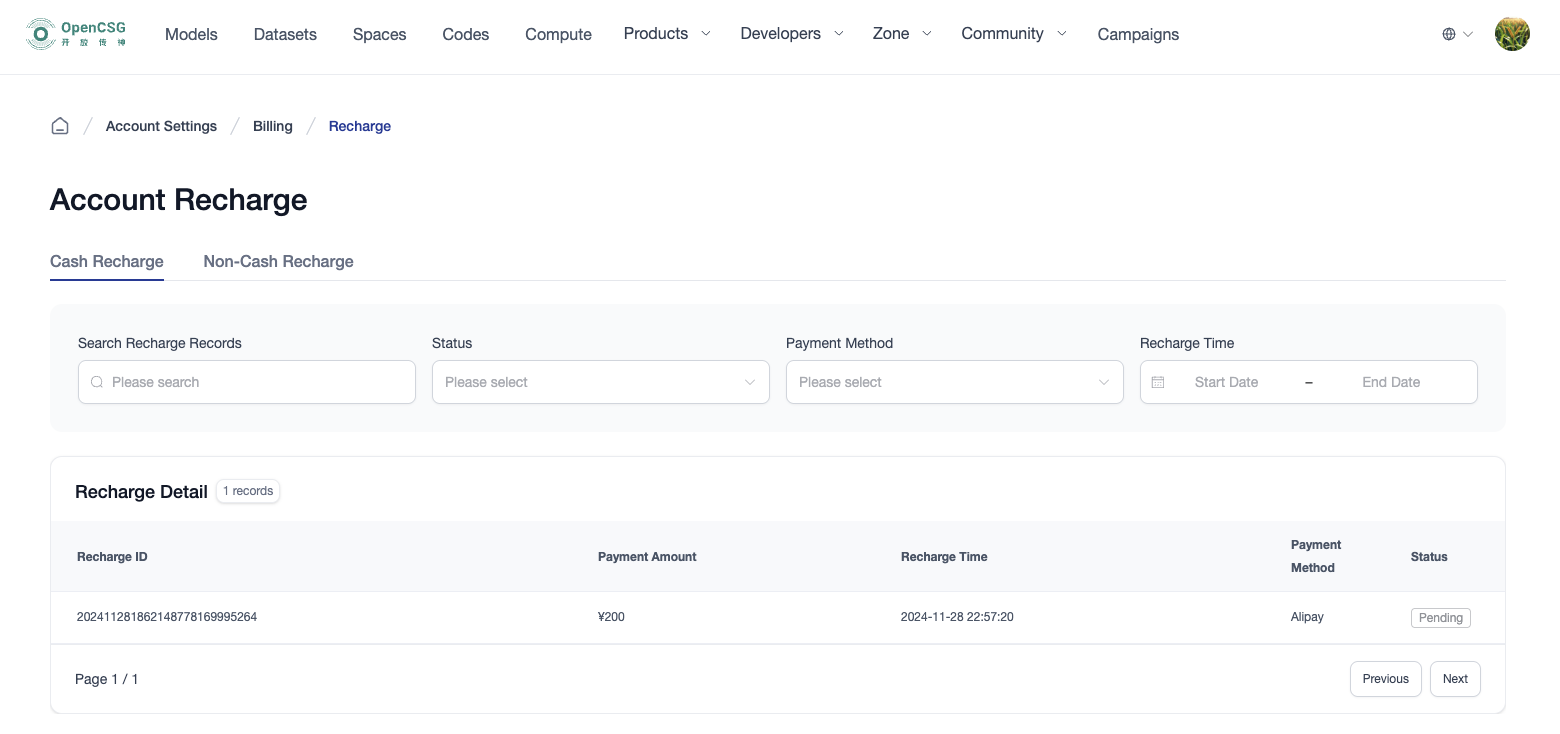
Recharge Details
On your personal billing page, click "Recharge Details" to view your past recharge history.
Invoicing After Recharge
CSGHub supports immediate invoicing upon recharge. After successful payment, cash recharge amounts are credited to your available invoicing pool. You can navigate to "Billing / Recharge → Invoice Management" in your personal or organization settings to apply for VAT invoices on single or merged recharge orders, track progress, and download electronic invoices.